
RJW Electrical
What happens if smart-home controls lose connectivity?
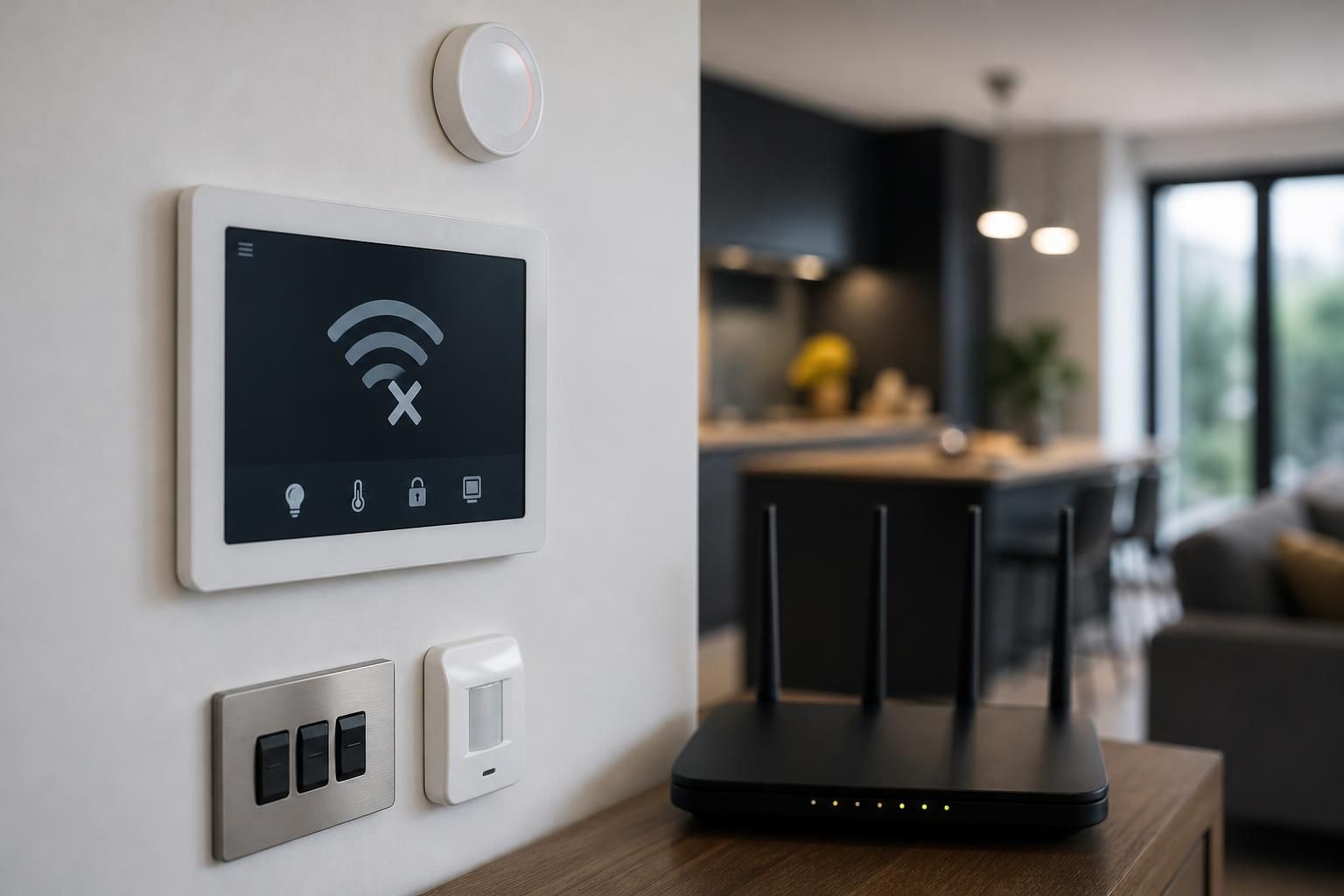
If smart-home controls lose connectivity, locally operated equipment may continue to work, but app access, remote control, notifications and linked automations can stop functioning. The cause may be a router, Wi-Fi, power or device issue, so check the network and equipment safely before arranging an electrical inspection if the problem persists.
When smart-home controls lose connectivity, the main effect is usually a loss of communication between the devices, the home network and any remote service, rather than an immediate failure of the electrical installation. The equipment may still have power, but functions that depend on a hub, internet connection or app can become unavailable until the connection is restored.
Different types of connectivity failure have different effects. A broadband outage can prevent remote access while the local network remains active. A failed router or wireless access point can disconnect several devices at once. A single device may have lost its wireless credentials, become unresponsive or developed a power-supply fault. A hub or controller can also be offline, preventing linked devices from communicating even though each device appears powered.
- Internet failure: remote access and cloud-dependent functions may be unavailable, while devices connected to the same local network may still communicate.
- Wi-Fi or local network failure: devices may disappear from the app, fail to respond to scenes or show as offline even when the broadband service itself is working.
- Hub or controller failure: several connected functions may stop together because the central device manages their communication.
- Power interruption: a switched-off fused connection unit, tripped protective device, loose connection or failed power supply can take a hub or individual control device offline.
- Configuration or software issue: a password change, firmware update, reset or altered network setting can prevent a device from rejoining the system.
Start with the least intrusive checks. Confirm that the router, hub and affected controls have power. Look for an obvious fault indicator, and check whether other devices using the same network are also disconnected. If the broadband provider or router shows a service fault, resolving that issue may restore the smart-home system without any electrical work.
Where the manufacturer’s instructions allow it, restart the router, then the hub or central controller, followed by the affected device. Allow each item to complete its start-up process before moving to the next one. This can re-establish the network route without deleting the existing configuration. Avoid pressing a factory-reset button unless the system documentation and account details are available, because a reset may remove pairings, schedules, access permissions and other settings.
If only one device is affected, check its local isolator, plug, fused connection unit or battery condition where these can be accessed safely. Do not remove covers, inspect live terminals or bypass a protective device. A smart control that has no lights or signs of power may have an electrical supply problem rather than a connectivity problem.
After reconnection, test the system in stages. First confirm that the hub or controller is online. Then check individual device status, local controls, app access and any programmed scenes. Pay particular attention to functions involving heating, ventilation, access control, lighting or energy management, as a device that appears online may still have an incorrect setting or incomplete connection. Review schedules and automation conditions if the system was reset or reconfigured.
Connectivity loss can also reveal a limitation in the system design. Some equipment depends on a manufacturer’s cloud service, whereas other equipment can continue to communicate locally through a hub or direct network connection. A resilient installation should make clear which functions depend on internet access, which controls remain available locally and what manual alternatives exist. Safety-critical or security-related functions should not be treated as dependable solely because they can be operated through an app.
An electrical inspection is appropriate where a device repeatedly loses power, a circuit trips, several items on the same circuit fail, or there is flickering, unusual heat, a burning smell or visible damage. An electrician can assess the supply, protective devices, isolation points, wiring connections and power supplies associated with the smart-home equipment. If the electrical supply is sound, the remaining fault may require network or system configuration work rather than rewiring.
Keep a note of what stopped working, which devices remained operational and whether the issue followed a power cut, router change or system update. This information helps separate an electrical fault from a network or software fault. RJW Electrical can advise on the electrical elements of smart-home controls, investigate persistent supply-related problems and identify whether a wider inspection or system integration review is needed.
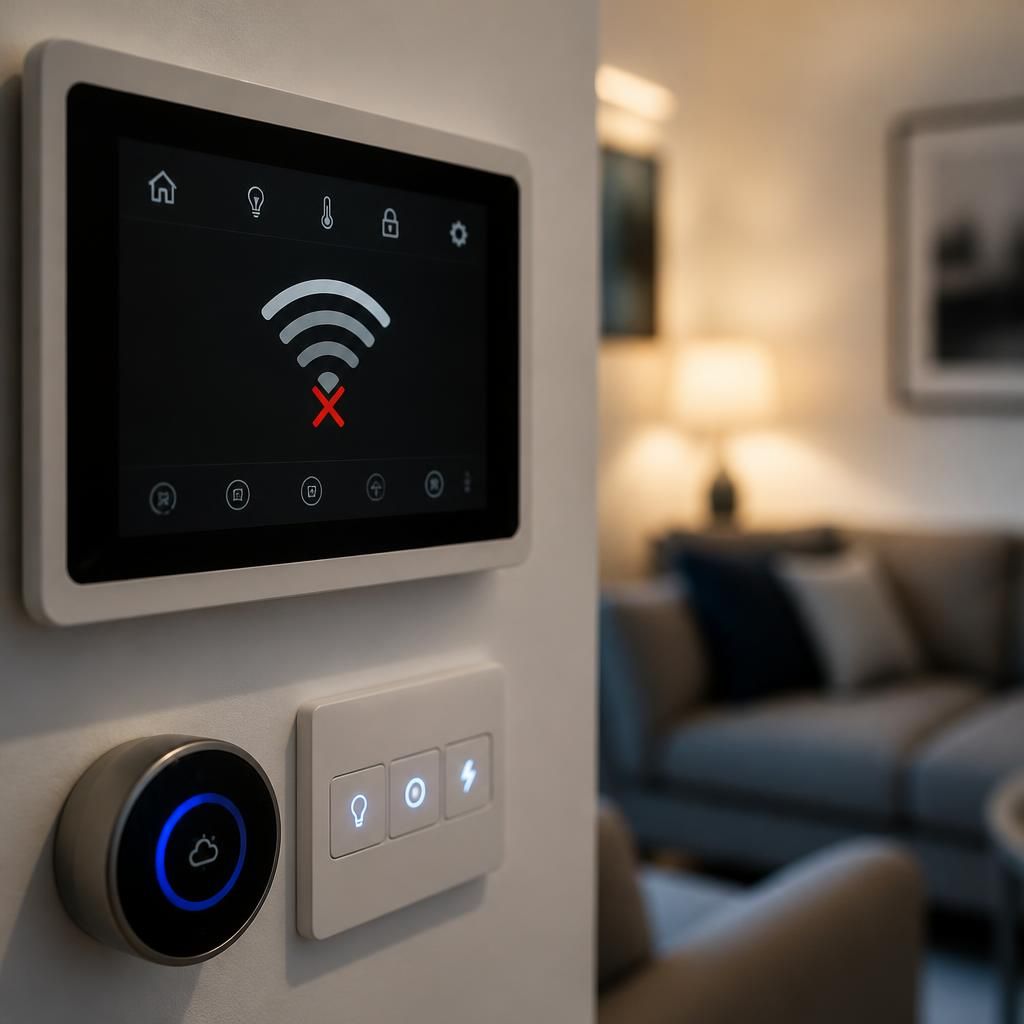
Connectivity loss does not always erase a smart-home system’s programming. Some controllers retain schedules and continue running them locally, while others depend on an internet service for timing, authorisation or automation logic. This means a light, heating control or energy-management function may behave differently from its app status during an outage.
For that reason, check the physical controls and observe the system’s actual behaviour before changing settings. If scheduled actions, access permissions or safety-related functions are affected, use the documented manual alternative and arrange an assessment rather than assuming that reconnecting the app has restored every function. Keeping a current record of the system layout, device roles and normal fallback controls also makes future connectivity faults easier to diagnose without unnecessary resets.
Need help with persistent smart-home connectivity problems?
If connectivity problems continue or indicate an electrical supply fault, contact RJW Electrical to discuss an appropriate inspection and quotation for the affected smart-home equipment.